Canva template link not working? The 6 reasons buyers see it broken
A buyer writes that your template “doesn't work”. You click the link and it opens fine, because you own the design. The buyer doesn't. Here are the six things that break a Canva template link for buyers, and how to tell which one you have.
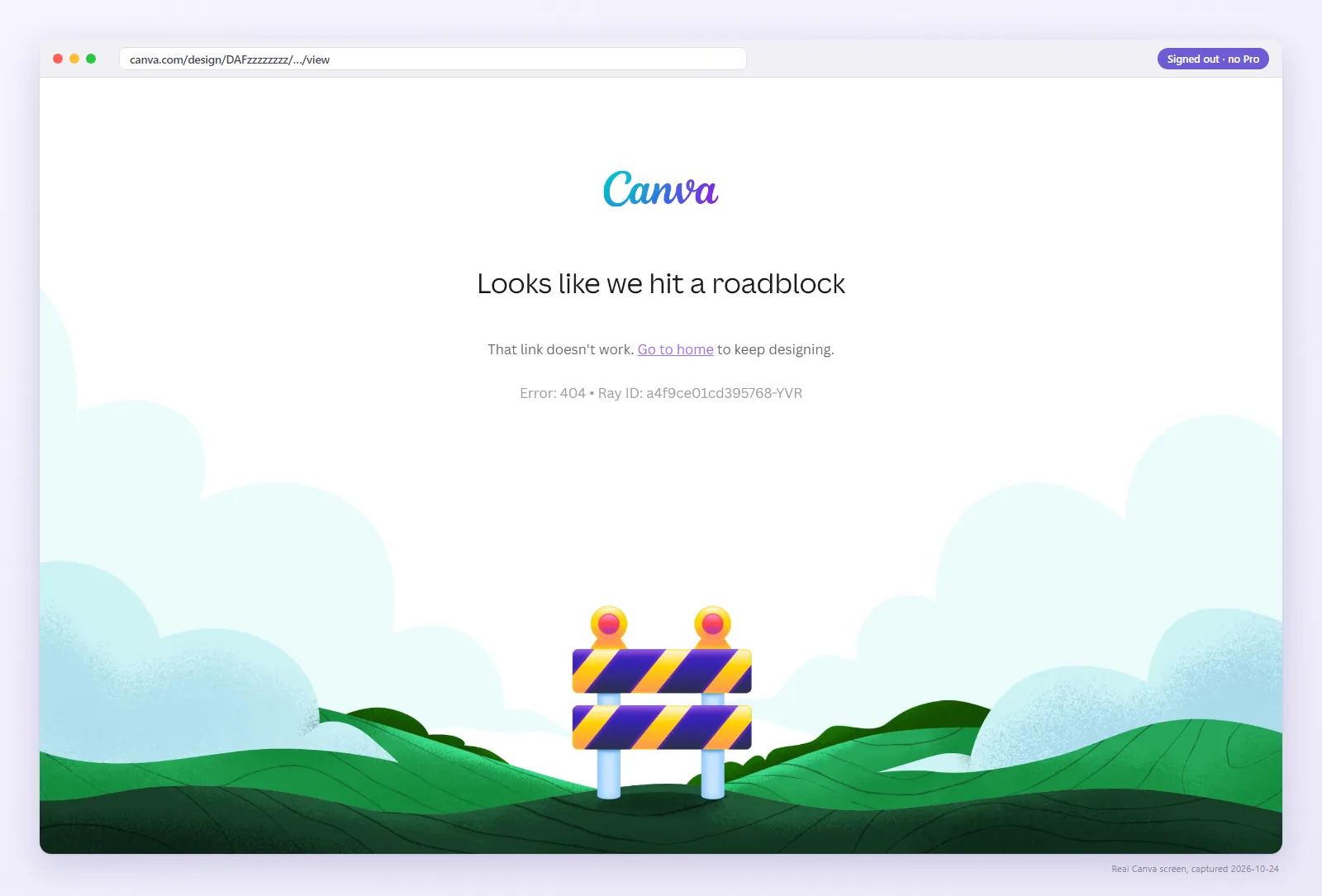
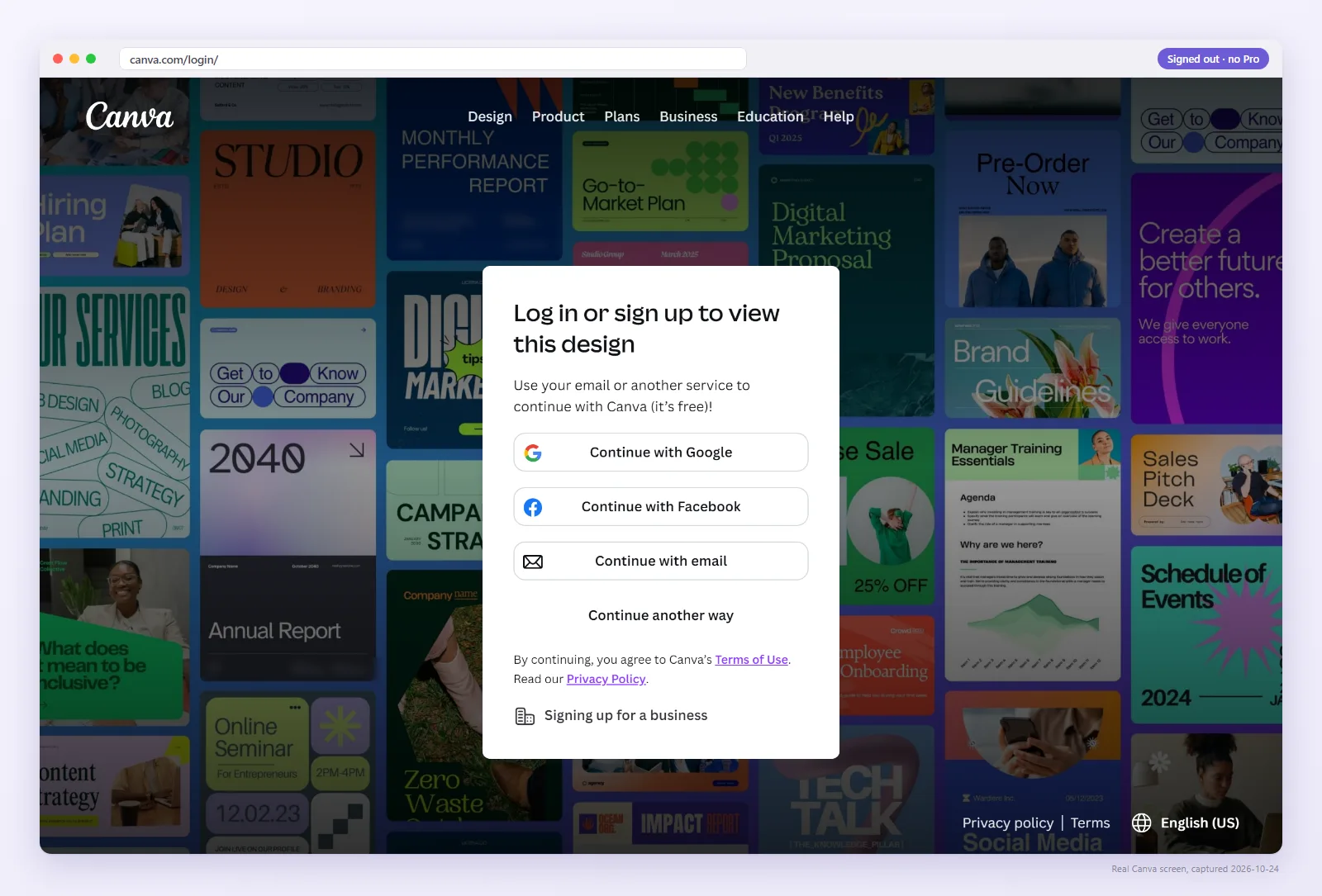
Why does the link work for you but not for the buyer?
You are logged in as the owner, so Canva shows you your design whatever link type you shared. Buyers arrive signed out or in their own account, and that is the only view that matters.
A plain link checker won't help either. It only tests the HTTP status, and a Canva page that says “Request access” still returns 200.
Which of the six is it? Check the link as a buyer
Paste the link from your listing PDF, or upload the PDF itself. We open it in a signed-out browser and report what the buyer sees, with a screenshot.
1. You shared an edit or view link, not a Template link
The link that gives each buyer their own copy comes from Share → “Template link”. Other links behave differently:
- An
/editlink invites the buyer into your master file. They can change or delete it for every buyer after them. Etsy threads report sellers finding buyer edits in their original design this way. - A
/viewlink only shows the design. The buyer cannot copy it.
2. The link was made under Canva's old sharing settings
As of July 31, 2024, Canva began removing existing View-only, Template and Website share links created under old settings, and sellers had to regenerate them. If your listing PDF is older than that and you never replaced the link, check it first. The full history is in the template link timeline.
3. The design or the template link was deleted
A template link stops working when the design is deleted. Deleting the template link itself also makes that URL inactive, and creating another one produces a new URL, so every PDF carrying the old link stays broken until you replace the file. More in do Canva template links expire?
4. The buyer is in the wrong account, or access is restricted (403)
The buyer sees “You don't have permission to access this design” or a 403 Forbidden page. Canva's help page for this error says it is generally caused by being in the wrong account or access restrictions. Sometimes that is the buyer's side, sometimes your sharing settings changed. See how to tell which.
5. The link in your PDF is not clickable
If the PDF was exported flat (PDF Standard without links, or printed to PDF), the buyer can read the link but tapping it does nothing. Canva keeps links only in downloaded or published interactive PDFs, and text with Lift or Neon effects has been reported to lose its link. See flat vs interactive PDF.
6. Sign-in, Pro elements and sharing limits
Buyers must sign in to Canva to make a copy, so a sign-in step on its own is normal. Pro photos, graphics and fonts show watermarks or payment prompts to buyers on a free account, which many read as broken. And sellers report a daily sharing limit: one template provider says links can fail until the next day because of it.
Pro rechecks every saved link as a signed-out buyer each day and emails you the same day one changes, with the screenshot. $9/month, cancel anytime.
FAQ
Why does my Canva link work for me but not for buyers?
You are signed in as the owner, and Canva shows owners their own design. Test the link signed out, or with the checker on this page.
Is “Request access” the buyer's fault?
Rarely. Etsy threads report this screen after purchase together with sellers finding buyer edits in their original design, which points to an edit link in the PDF rather than a Template link. Send a fresh Template link.
Do I have to re-upload my Etsy PDF after fixing the link?
If the URL changed, yes. Creating a new template link produces a new URL, and buyers only have what is in the PDF.
My customers get “Page Not Found”. What do I check?
“Page Not Found” usually means the URL no longer points at anything: the design or the template link was deleted, the link was made under Canva's old sharing settings, or the URL was cut off or mistyped in your PDF. It can still open for you because you are the owner. Open the link signed out, create a fresh link with Share → Template link if it fails, and replace the PDF on every listing.