Selling Canva templates on Creative Market: check the link buyers receive
On Creative Market buyers download the files you uploaded. If your product is a Canva template, the link inside that file is the product, and it has to open for someone who is not you.
How Canva template delivery usually works on Creative Market
You upload the files for a product and buyers download them after purchase. For a Canva template that is usually a PDF holding the Canva link, sometimes next to other files such as fonts or a guide.
The listing, the PDF and the Canva design are separate. Paste a creativemarket.com page into the checker and it asks for the Canva link or the PDF instead. A shop has many products, each with its own PDF and link, and that is where old links hide.
The four ways the link breaks for buyers
- Wrong link type. An edit link lets every buyer into your master file, and a view link shows the design without letting anyone copy it. Only a Template link makes a private copy per buyer.
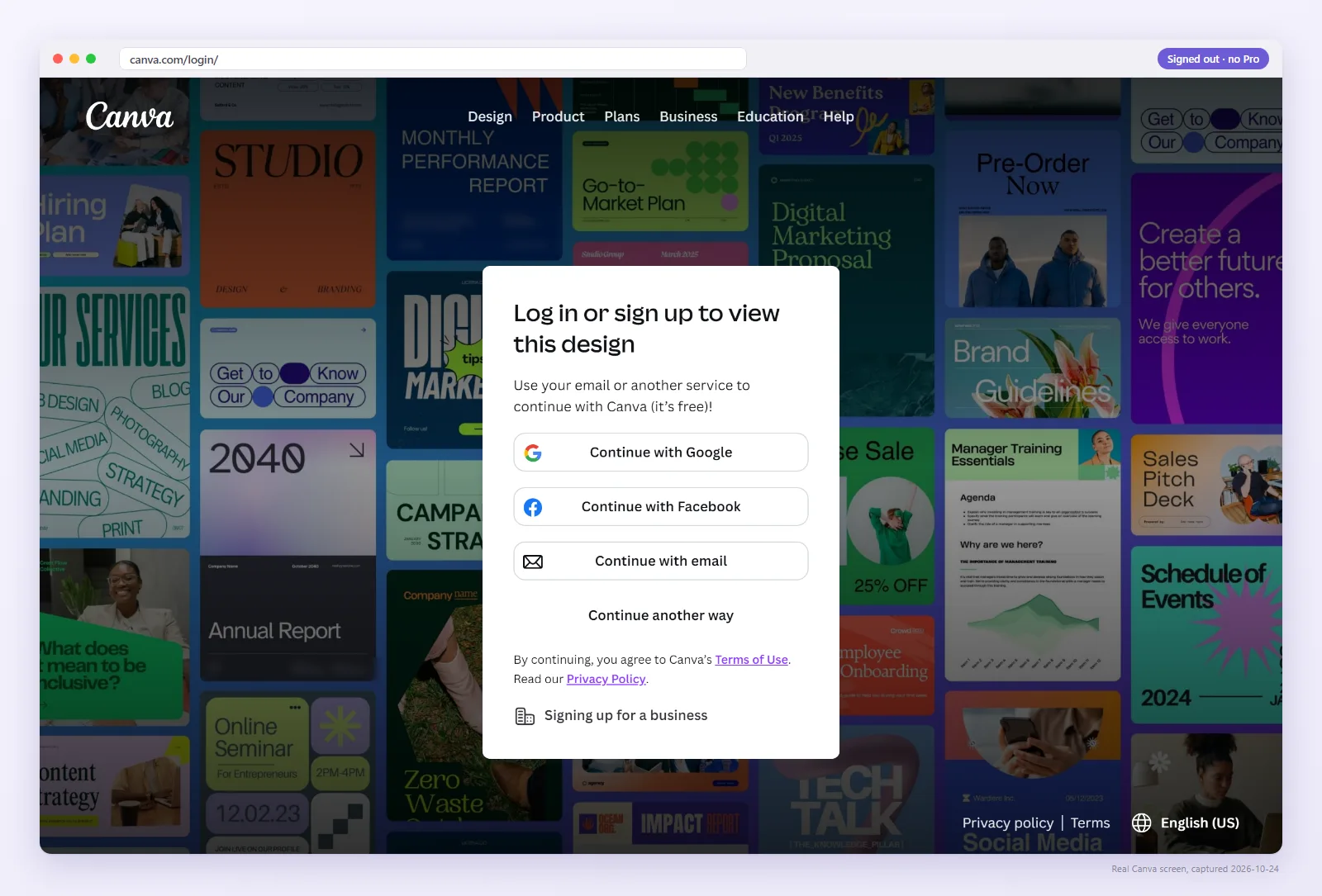
- Login wall or Request access. Buyers see a login wall or “Request access”. Signed in as the owner, you never do, so it reaches you as a support message or a bad review.
- A Brand Template. Canva changed template links on Jul 31 2024, in Jan 2025 and on Jun 2 2025. Old links can silently turn into a Brand Template that loads but locks out buyers outside your team.
- A flat PDF. Exported without links or printed to PDF, the address is text that cannot be tapped. Avoid Lift and Neon effects on the link text.
The full list is in the 6 reasons a template link breaks.
Check your link the way a buyer opens it
Paste the Canva link or upload the PDF buyers receive. We open it signed out and show what they see.
How to set the link correctly
- In Canva choose Share → “Template link” (it needs a paid plan or free trial since around the end of January 2025).
- Add it to a clear delivery page in the PDF, on plain text or a plain button, with a note that buyers sign in to Canva.
- Export an interactive PDF (see flat vs interactive PDF).
- Check the link and the PDF above before you upload anything to your shop.
Keep a shop of templates healthy
Keep a list of which product uses which Canva link. Template links do not expire, but deleting a design or a link, a sharing change or a Canva rule change can stop one (see the template link timeline). Recheck older products after any Canva announcement, or let Pro for $9/month recheck up to 300 saved links daily.
Creative Market pre-publish checklist
- Made with Share → “Template link”.
- Checker shows “Works: Use template” signed out.
- PDF is interactive, link on plain text or a plain shape.
- Each product's file matches the link you tested.
- Description mentions any Pro elements.
Check yours
It takes about two seconds and costs nothing. Pro rechecks your saved links daily and emails you when one changes.
FAQ
Can I check my Creative Market product?
Check the Canva link or the PDF you upload. The listing page is not what buyers click, and the checker works with the link itself.
Will old products stop working?
Not by themselves, because template links have no expiry date. But Canva's changes on Jul 31 2024, Jan 2025 and Jun 2 2025 broke some older links, so recheck products from before then.
Do buyers need to sign in to Canva?
Yes, to make their copy, which is normal. Pro photos, graphics and fonts show watermarks on free accounts.
Selling somewhere else? The same checks apply: see all platform guides.