Bought a Canva template and it says Request access? Do this
You paid, opened the PDF, tapped the link, and Canva asked you to request access. You did nothing wrong. Here is how to check the link and what to send the seller so they can fix it quickly.
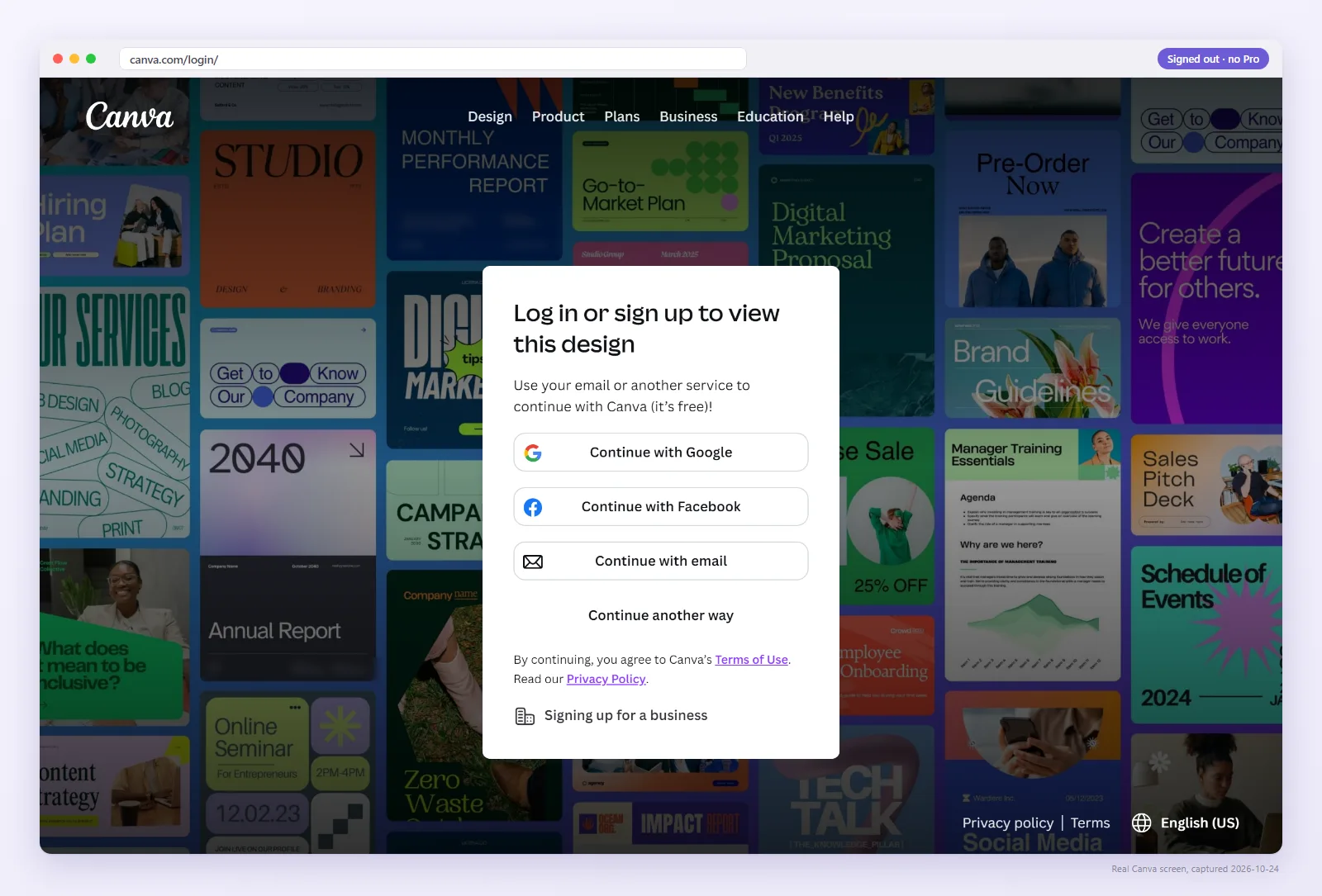
Why does it say “Request access”?
The link in your PDF is not giving you a public Template link. A proper Canva template link lets each buyer make their own copy. Etsy community threads report buyers being asked to request access after purchase, and those sellers then finding buyer edits in their original design. That means they had shared a link to their master file, not a template link.
Check the link yourself
Paste the link from your PDF, or upload the PDF. We open it as a signed-out visitor and show what anyone would see.
Try these two things first
- Sign in to Canva. Buyers must sign in to make a copy, so a sign-in step on its own is normal.
- Check which account you are in. Canva says its 403 error is generally caused by being in the wrong account or access restrictions. If you have a work and a personal account, sign out and try the other one.
If the check above still says Request access, No permission, or Deleted, the fix is on the seller's side.
Send this check to your seller
Copy this into a message to your seller (Etsy Messages, email, or wherever you bought). If you ran the check above, the result is already filled in. You can edit it before copying.
Copies the message so you can paste it.
What if the link opened the seller's original design?
If the link put you straight into an editable design rather than a page with “Use template”, it may be an edit link to the seller's master file. Anything you change there changes it for every buyer after you. Don't edit it; tell the seller.
Seeing watermarks or a payment prompt instead?
Pro photos, graphics and fonts show watermarks or payment prompts on free Canva accounts. That is not a broken link. Ask the seller whether the template uses Pro elements.
Sellers: the fix is in the 6 reasons a template link breaks.
FAQ
Do I need Canva Pro to use a template I bought?
Current guides state that free-account buyers can open template links created by a Pro user. Premium photos, graphics or fonts may show watermarks or payment prompts.
Why does the seller say the link works?
The seller is signed in as the owner, so Canva shows them their own design. The check on this page shows what everyone else sees.
What does a working link look like?
You see the design with a “Use template” button. After you sign in, you get your own copy, and the seller's original is untouched.
A buyer asked for permission to edit my template. What went wrong?
Almost always the link in your PDF is an edit link or a view link, not a Template link. An edit link sends buyers into your master file, and a view link cannot be copied. Create the link with Share → Template link, replace it in the PDF and on every listing, then open it signed out: you should see Use template. If a buyer already edited the original, check it for changes.