It always opens for you
You are logged in as the owner of the design, so you see the editor, never the wall your customer hits.
“Works on my end!”
Selling Canva templates? Paste your template link. Abledly opens it the way a signed-out buyer does and shows you exactly what they get.
Works wherever you sell
Abledly checks the Canva link itself, so it works with any marketplace, store, course platform or PDF.
Watch a working link fail for a buyer, and how Abledly catches it before the refund request. Tap the video to watch it larger with sound.
Generic link checkers only test the HTTP status. A Canva page that says “Request access” still answers 200, and so does a link Canva has quietly moved to a Brand Template.
You are logged in as the owner of the design, so you see the editor, never the wall your customer hits.
“Works on my end!”
A login page loads fine, so ordinary checkers stay green. They check that a page exists, not what a buyer can do on it.
Status: 200 OK ✓
Template links changed on Jul 31 2024, in Jan 2025 and on Jun 2 2025. Old links can silently turn into a “Brand Template” (see the timeline).
“Hi, your link doesn’t work. Refund?”
Captured signed out, exactly as a buyer gets them. If a customer sends you a screenshot like one of these, you know what broke.
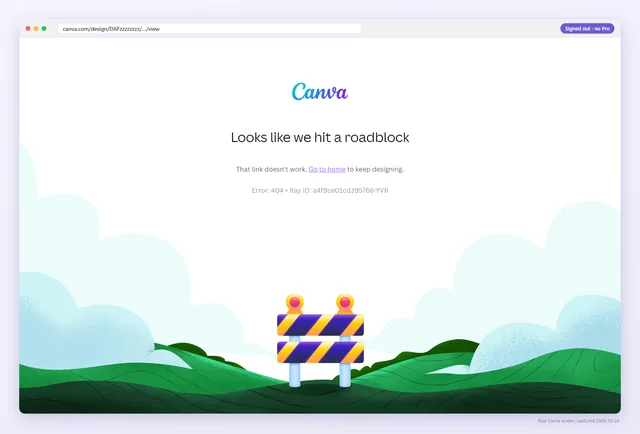 Deleted link
Looks like we hit a roadblockThe design or its template link was deleted, or the URL was cut off in your PDF.Read the guide
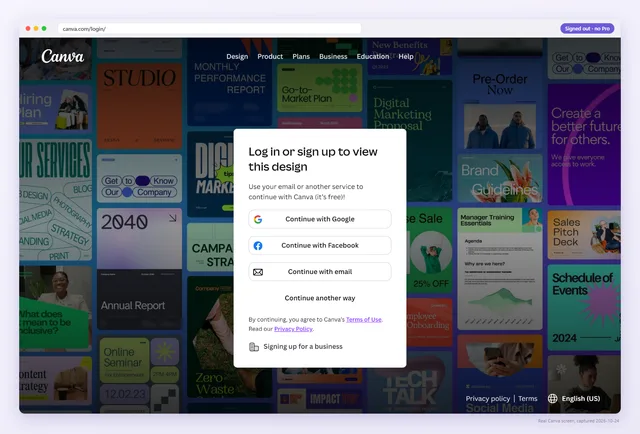 Login wall
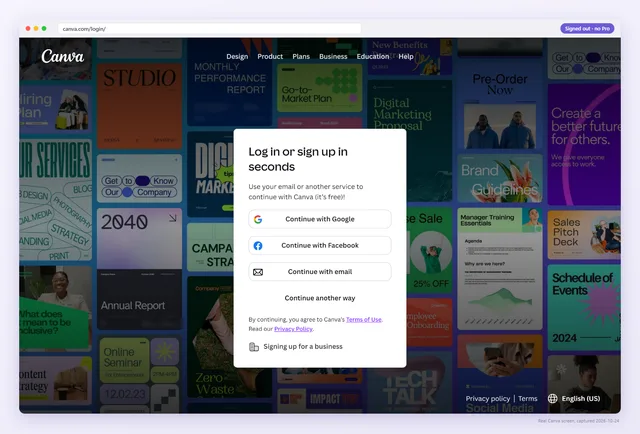
Log in or sign up to view this designThe link is private or its share token is wrong, so buyers hit a login wall instead of your design.Read the guide
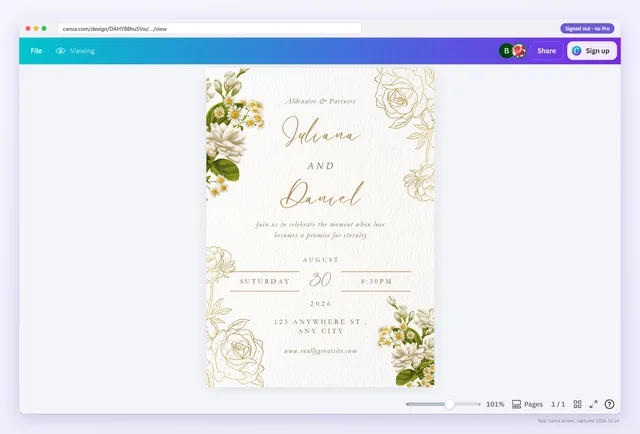 View-only link
ViewingA view link: buyers can look at the design but have no way to copy it.Read the guide
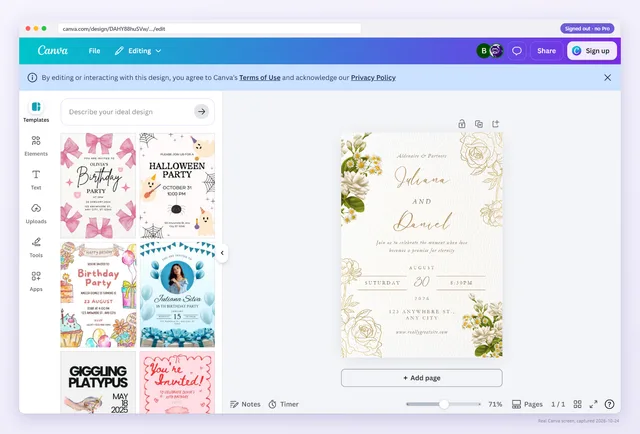 Edit link
EditingAnyone with this link edits your original design: buyers work in your master file, not a copy.Read the guide
No login, no Canva Pro, a clean browser. We follow your link exactly the way the person who just paid you would, and write down what Canva actually shows. Short links such as bit.ly or canva.link are followed to the real Canva page.
Not “200 OK”. A verdict in plain words, the exact words Canva showed, and a two-minute fix written for sellers, not developers.
A link that worked last month can be dead today. Pro re-checks up to 300 links every day, emails you the same day one breaks, and flags when the design behind a link changes.
1Buyer opens
The link from your PDF
2Canva shows
A “Brand Template” wall
3Buyer gets
Nothing. Then an email to you.
Weekly Planner Bundle: buyers can’t open your link
Today’s check found a dead link in your delivery PDF. It takes about 2 minutes to fix.
See how to fixPage 3 changed since you confirmed
links flagged by an ordinary link checker. It called all 8 fine.
In a real 2024 seller PDF, 7 of 8 template links were dead for buyers. An ordinary link checker saw all 8 as working, because Canva’s “Request access” page still answers 200 OK.
canva.com/DAFx2k9…canva.com/DAFx2k9…canva.com/DAGk7Qx…canva.com/DAGk7Qx…canva.com/DAFp3ab…canva.com/DAFp3ab…canva.com/DAF9mLc…canva.com/DAF9mLc…canva.com/DAGm4Zt…canva.com/DAGm4Zt…canva.com/DAFq8Rw…canva.com/DAFq8Rw…canva.com/DAFt1Nd…canva.com/DAFt1Nd…canva.com/DAFv6Hs…canva.com/DAFv6Hs…Illustration based on one real delivery PDF from 2024. Link IDs shortened.
Canva changed template links 3 times.
Canva has changed how template links work more than once. With Pro, you hear about the next change from us, not from a refund request.
$0
See what your buyer sees. No card, no catch.
$9$90 / month/ year
Billed monthly. Cancel any time.Just $7.50 a month, billed yearly. Cancel any time.
Verified by AbledlyNot working for you? Full refund within 30 days, just reply to any email.
$9 per month$90 per year, prices in USD, billed through Stripe. Compare plans or read the guides.
Yes. Abledly checks the Canva link itself, so it works with any marketplace, store or PDF.
No. We open the link exactly as a stranger would, with no Canva login. That is the point: your own browser is signed in as the owner, so you see your design even when buyers can't.
No. We load the page and read what it shows. We do not click “Use template” or any other button, so nothing is copied or edited.
A Template link that shows a signed-out visitor the design with a “Use template” button. Buyers still have to sign in to Canva to make their copy; that part is normal.
Yes. Upload the PDF you deliver on Etsy, Gumroad, Shopify or anywhere else and we read every clickable link plus any URL that only appears as text, then check the Canva ones. Text-only links are flagged because buyers cannot tap them.
Every saved link, once a day, plus a summary email every Monday. When a link changes state, for example from Use template to Request access, you get an email that morning.
Paste one Canva template link. It takes about two seconds and costs nothing.