“You don't have permission to access this design”: what the buyer did and what the seller must fix
This message, or a 403 “Forbidden” page, means Canva will not show the design to the person who opened the link. Sometimes the buyer's account is the cause. Sometimes it is your link. Here is how to tell which, and what each side should do.
What does Canva's 403 error mean?
Canva's help page for the 403 “Forbidden” error says it is generally caused by being in the wrong account or access restrictions. When you sell templates, that splits into two cases: the buyer is signed in to an account that cannot see the design, or the link no longer allows public access.
Is it the buyer or the link? Test it signed out
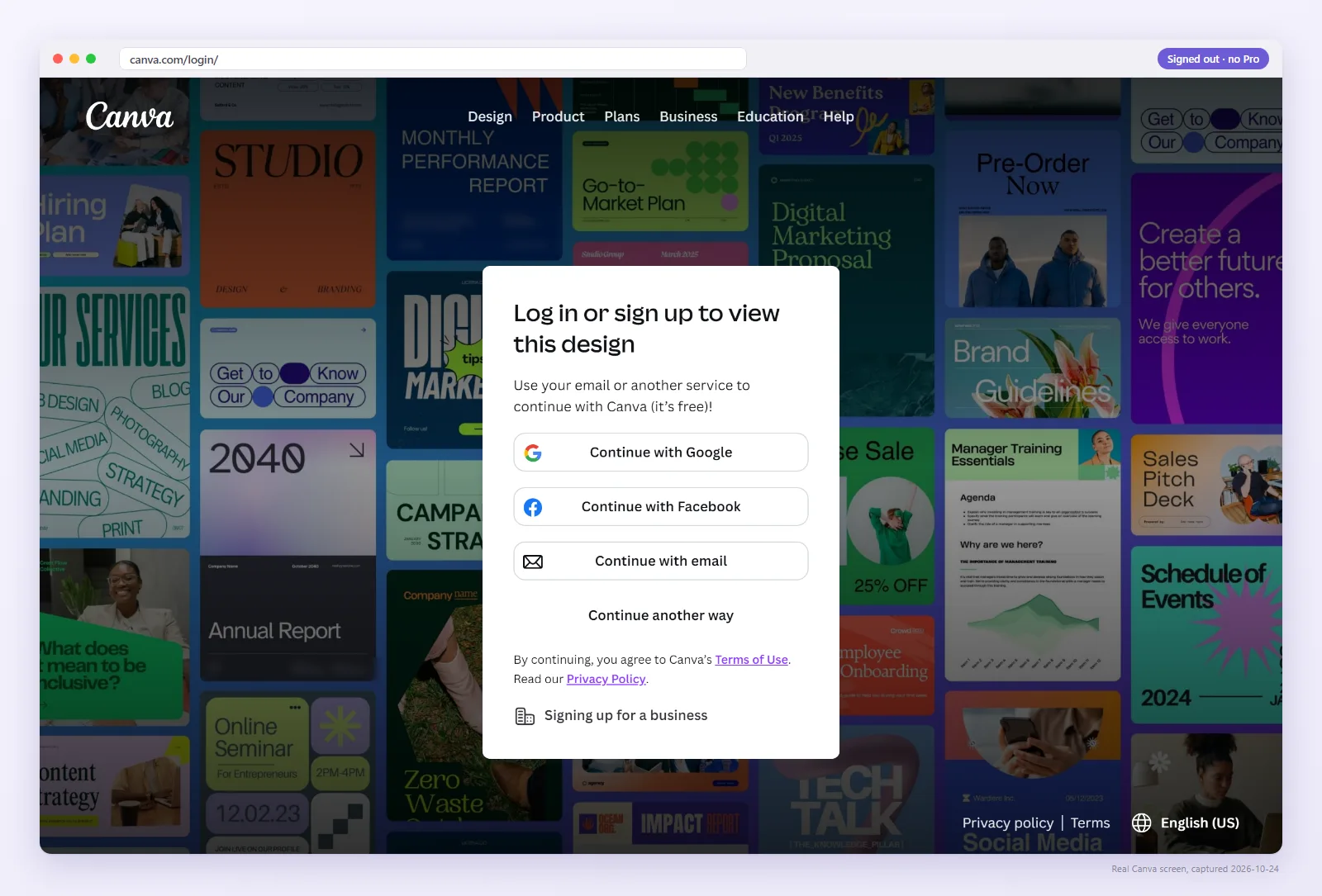
Open the link where no Canva account is signed in. If a signed-out visitor gets the template page with “Use template”, the link is fine and the buyer's account is the issue. If a signed-out visitor is blocked too, the link is the problem. The checker does this test for you and gives you a screenshot to send the buyer.
What the buyer did, and how they fix it
- Wrong account. Many people have a work and a personal Canva account. Ask the buyer to sign out, sign in to the account they want the template in, and open the link again.
- A mistyped link. If your PDF link is not clickable, buyers type it by hand, and one wrong character breaks it. That is a PDF problem; see flat vs interactive PDFs.
Buyers must sign in to Canva to make a copy, so a sign-in prompt by itself is not an error.
What the seller must fix
If the signed-out test fails, the fix is on your side:
- Open the design in the account you sell from and confirm it still exists.
- Create a Template link with Share → “Template link”. Don't send the edit link: it puts buyers inside your master file.
- If the old link was deleted, or was made under the settings Canva began removing on July 31, 2024, the new link has a new URL. Update the PDF and replace it on every listing that uses it.
- Check the new link and the new PDF as a buyer before you message anyone.
What to send the buyer
Keep it short: apologise, attach the updated PDF or paste the new link, and include the screenshot from your check showing “Use template”. A buyer who can see the fix works is far less likely to ask for a refund.
Pro rechecks every saved link as a signed-out buyer each day and emails you the same day one changes, with the screenshot. $9/month, cancel anytime.
FAQ
Why can I open the design when my buyer gets a 403?
You are signed in as the owner. Canva shows owners their own design. Test the link signed out to see what a buyer sees.
Can the buyer fix this alone?
Only when it is an account mix-up, for example being signed in to a work account. If a signed-out visitor is also blocked, the seller has to fix the link.
Do I need to re-upload the PDF after fixing it?
If the link URL changed, yes. A newly created template link has a new URL, and buyers only have the one in the PDF.
Is “Request access” the same problem?
It is a close cousin: the buyer is not getting a public Template link. See the Request access guide.
My customers get “Page Not Found”. Is that the same error?
No. “Page Not Found” usually means the link points at something that no longer exists, such as a deleted design or template link, or a link cut off in the PDF. “You don't have permission” means the design exists but this visitor is not allowed in. Both are tested the same way: open the link signed out. The six causes are in the Not working guide.