Sharing Canva templates with clients and students: make sure the link opens
Coaches, course creators and agencies hand out Canva templates in welcome emails, lessons and workbooks. You are signed in to Canva. Your client usually is not, or is in a different account.
How Canva templates reach clients and students
The link usually lives in a welcome email, a course lesson or product on a platform such as Kajabi or Stan Store, a client portal, or a PDF workbook. None of those tests the link for you.
First decide what you want. If each person should get a copy of their own, send a Template link. If you want someone to work inside your file, that is an edit link by design, and anything they change is changed for everyone using it.
The four ways the link breaks for buyers
- Wrong link type. An edit link puts a client in your master file, so one student's change reaches the next. A view link cannot be copied. A Template link gives each person a private copy.
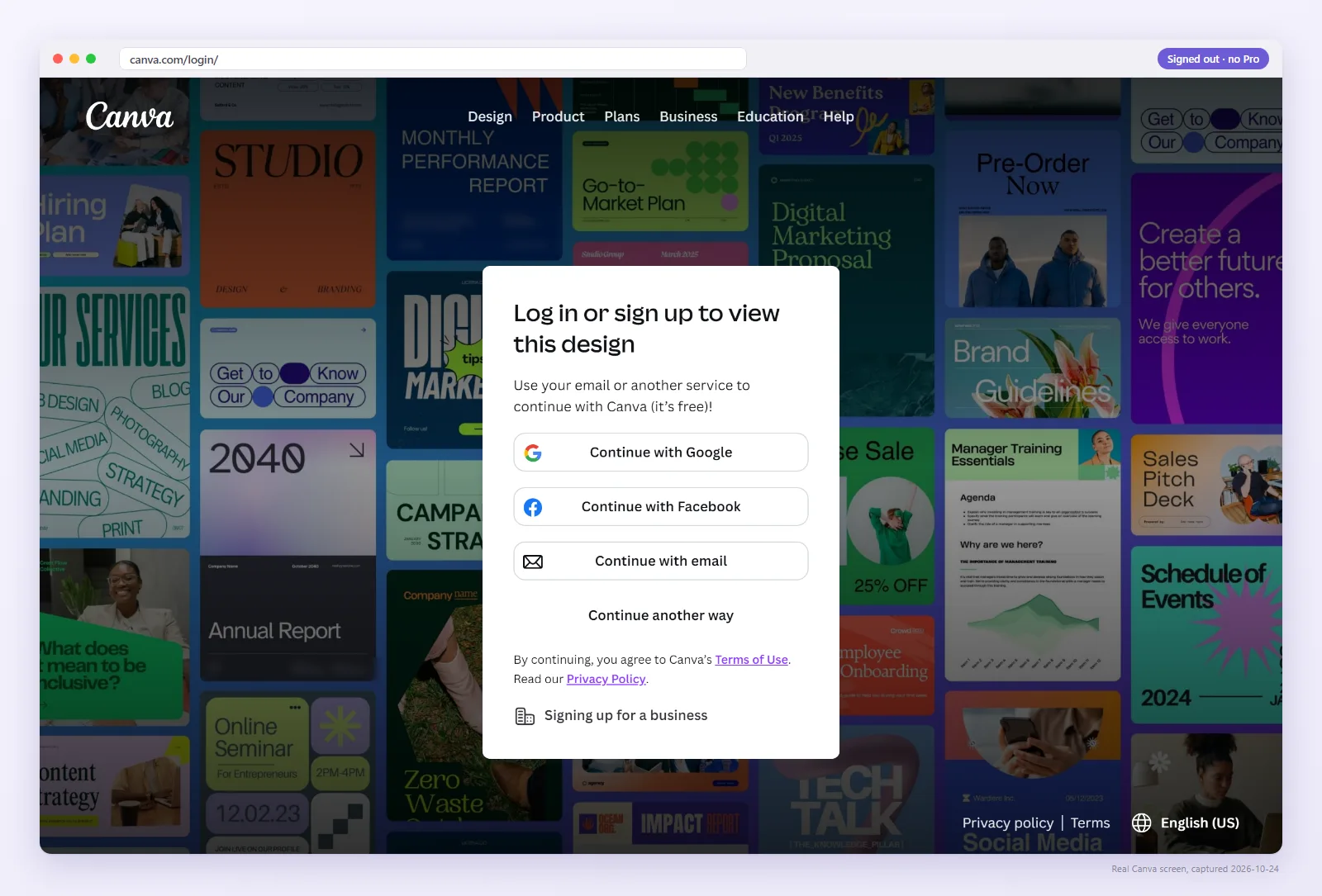
- Login wall or Request access. The client sees a login wall or “Request access”. Many people keep a work and a personal Canva account, and you only see your own.
- A Brand Template. Canva changed template links on Jul 31 2024, in Jan 2025 and on Jun 2 2025. Older links can silently turn into a Brand Template that loads but sends anyone outside your team to Request access.
- A flat PDF. A workbook exported without links or printed to PDF shows the address as text that cannot be tapped.
The full list is in the 6 reasons a template link breaks.
Check your link the way a buyer opens it
Paste the Canva link or upload the PDF buyers receive. We open it signed out and show what they see.
How to set the link correctly
- In Canva choose Share → “Template link” (a paid plan or free trial is needed to create one).
- Paste it where people will find it, on plain text or a plain button, and say they sign in to Canva to make their copy.
- For a PDF workbook, export an interactive PDF (see flat vs interactive PDF).
- Check the link or the PDF above, and tell clients which Canva account to use.
Fix links in one place
A link in lesson text or an email template can be corrected once. A link inside a PDF people downloaded cannot: they keep the old copy. Where you can, link from a page you control, and keep a list of every place each Canva link appears.
Before you send it to clients
- Template link, or an edit link on purpose for a shared working file.
- Checker shows “Works: Use template” signed out.
- If it is in a PDF, the export is interactive.
- Instructions say which Canva account to use.
- You know every email, lesson and file that holds this link.
Check yours
It takes about two seconds and costs nothing. Pro rechecks your saved links daily and emails you when one changes.
FAQ
Is Abledly only for Etsy sellers?
No. It checks the Canva link itself, so it works wherever the link is sold or shared, including email, courses, portals and PDFs.
Why does my client see Request access?
Common causes are an edit link, a link Canva turned into a Brand Template, or a client signed in to the wrong account. A signed-out check shows whether the link itself is at fault.
Do clients need a paid Canva plan?
Current guides state free-account users can open template links created by a Pro user, with watermarks on premium elements. They still sign in to make a copy.
Selling somewhere else? The same checks apply: see all platform guides.