Canva brand template link: when an old template link becomes a team-only page
Short answer
Some older Canva template links now redirect to a Brand Template page, an address with /brand/brand-templates/ in it that only members of your Canva team can use. Buyers hit a login screen and then no access, so create a new template link for the design and replace it in every PDF.
What is a Canva Brand Template?
Brand Templates are a team feature. A business keeps its approved designs as Brand Templates so everyone on the team starts from the same layout, fonts and colours. They live in the team's brand area and are meant for people inside that team.
A buyer is never inside your team. So a link that leads to a Brand Template is a link your buyers cannot use, however correct it looks in your PDF.
How an ordinary template link became a Brand Template link
As of July 31, 2024, Canva began removing View-only, Template and Website share links created under its old sharing settings. Among the links we check, some older template links no longer open the template at all. Instead, Canva redirects them to a /brand/brand-templates/ address, often ending in ?notifier=migrated, which points to the link having been converted into a Brand Template.
We have not found Canva documentation that lists which links were converted or why, so we describe what these links do, not Canva's reasons. The full sequence of changes is in the template link timeline.
Is your link one of them? Check it
Paste the link from your delivery PDF. If Canva redirects it to a Brand Template, the result says “converted to Brand Template” and shows the login screen a buyer reaches.
How to recognise a migrated link
- The link in your PDF looks like a normal
canva.com/design/link. The change only shows after it opens. - After opening, the address bar shows
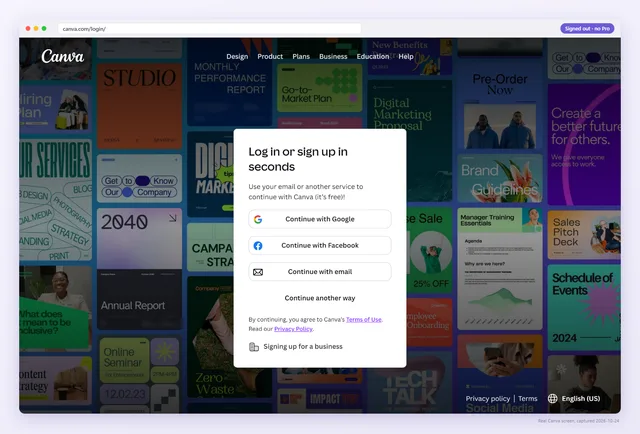
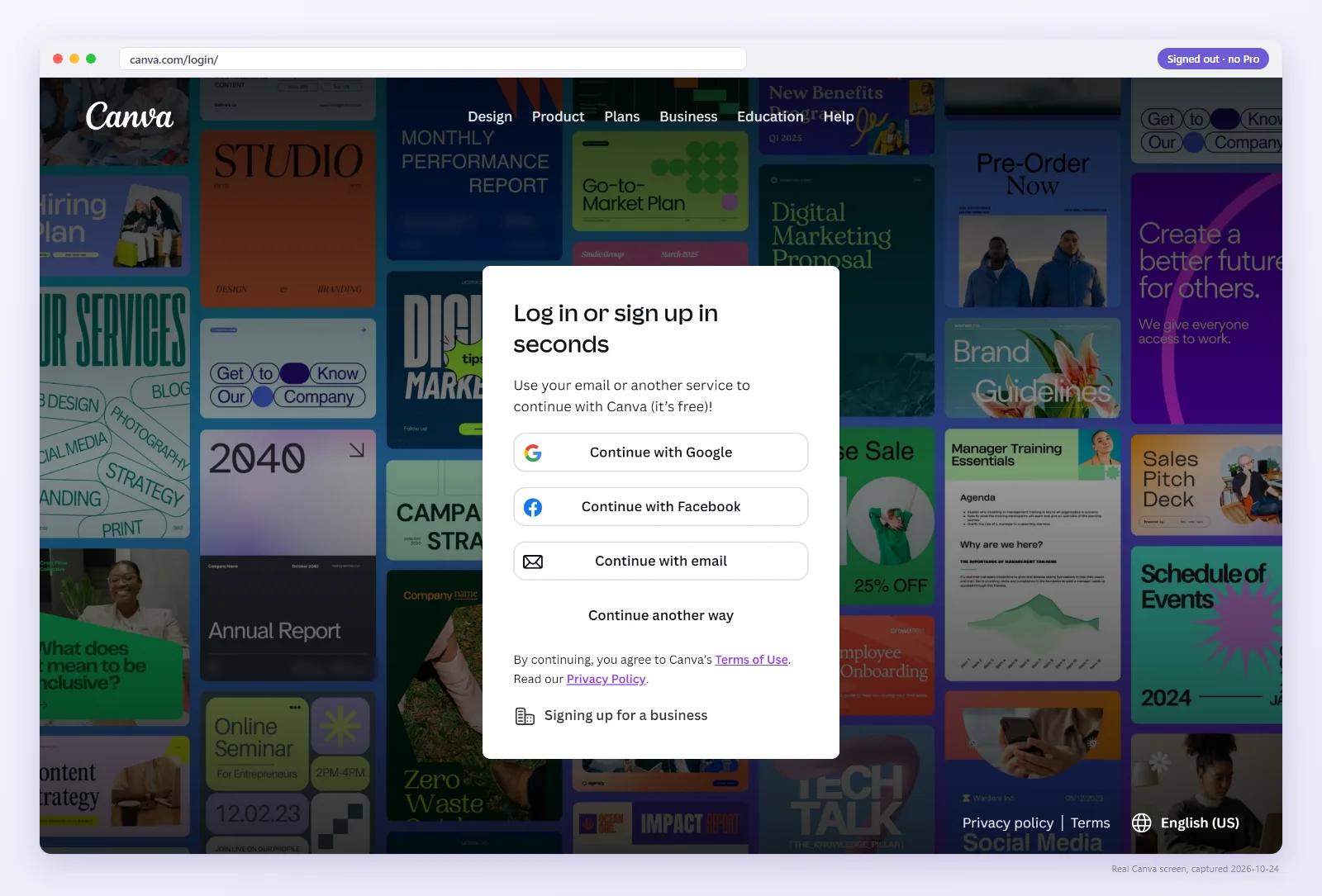
/brand/brand-templates/, often withnotifier=migrated. - Signed out, the buyer lands on Canva's login screen, “Log in or sign up in seconds”, pictured above.
- Signed in with their own account, the buyer still has no access, because they are not in your team.
- It opens fine for you, because you are in the team.
Migrated Brand Template link
- Buyer opensYour old template link
- Canva showsLogin, then team access
- Buyer getsNothing, and a refund request
Fresh template link
- Buyer opensYour template link
- Canva showsYour design, then Use template
- Buyer getsTheir own copy, your master untouched
Which links are most at risk?
From what we see, the links at risk share two things: they were made before Canva's sharing changes began on July 31, 2024, and nobody has replaced them since. Listings that have sold quietly for years are the usual suspects, precisely because nothing prompted anyone to look at them.
A quick way to work through a shop:
- Sort your listings by the date of their delivery PDF. Anything older than August 2024 goes to the top.
- Check those links first, signed out, with the checker or a private window.
- Then check bundles and freebies. They often reuse an old link that nobody has tested in a while.
- Finally, check links you shared outside a marketplace: email sequences, course lessons, blog posts.
A link that opens the design signed out today has not been converted. One that redirects to a Brand Template page needs a new template link.
How to fix a Brand Template link
- Find the design. Open the original design in the account you sell from. If the original is gone, open the Brand Template, create a design from it and use that new design.
- Create a new template link: Share → More (or See all) → Template link. Since around the end of January 2025 this needs a paid plan or a free trial.
- Open it signed out. You should see the design, not a login screen.
- Replace the link in your delivery PDF, export an interactive PDF and upload it to every listing that used the old link.
- Send recent buyers the new link, so they don't have to ask.
Don't solve it by inviting buyers into your team. That gives strangers access to your team's brand assets and other designs.
Will it happen again?
Nobody outside Canva can promise that. Template links have no expiry date, but in about a year Canva changed template links three times: on July 31, 2024, around the end of January 2025, and with the June 2, 2025 email-domain rule. Each time, the first sign for many sellers was a buyer's message, and the cause was not always obvious.
Two habits limit the damage. Recheck your live links signed out after any Canva announcement, or let Pro recheck them daily and email you when one changes. And consider delivering a stable link (abledly.com/l/your-template) instead of the raw Canva link: when Canva breaks a link, you change where it points once, and every PDF keeps working.
Watch: why the owner never sees it
A migrated link still opens for you as a team member. This 36-second video shows what a buyer gets from a link that works for its owner.
Check your older links
If a listing PDF predates July 2024, check its link now. It takes a few seconds.
FAQ
What is a Canva Brand Template link?
A link to a Brand Template, a template kept for members of a Canva team. People outside the team cannot use it, so it fails for buyers.
Why does my template link end in notifier=migrated?
Canva redirected the old link to a Brand Template. We see this on older template links; Canva has not published which links were converted. Create a new template link for the design.
Can buyers outside my team use a Brand Template?
No. Brand Templates are for members of your Canva team. A buyer would have to join your team, which you should not offer.
Do I have to replace my PDF?
Yes. The new template link is a new URL, and buyers only have the link in the PDF they downloaded.
Why does the link still work for me?
You are signed in as a member of the team that owns the Brand Template. Test it signed out to see the buyer's screen.