Why Shopify stores get ADA demand letters
Online stores are one of the most frequent targets of ADA web-accessibility demand letters and lawsuits — a large share of the roughly 3,117 federal ADA web suits filed in the US in 2025 named e-commerce sites. Shopify stores aren't exempt just because Shopify hosts the infrastructure. Thousands of stores run the same theme families, the same app-installed cart drawers, quick-view modals and mega menus, and the same catalog patterns — so when an accessibility gap ships in a popular theme or app, it tends to repeat across every store that installed it, whether or not the merchant ever touched that code.
The issues that actually show up in letters are unglamorous and specific:
- Missing or meaningless alt text on product photos — blank, or a filename like "IMG_2481.jpg", repeated across every variant image in the catalog
- Insufficient color contrast on sale badges, filter pills and add-to-cart buttons after a theme customization
- Keyboard traps in cart drawers, mega menus and quick-view modals that can't be closed or reached without a mouse
- Unlabeled form fields on newsletter signup, account creation and address forms
- Missing visible focus indicators for anyone navigating by keyboard
One honest caveat worth stating plainly: Shopify itself controls the markup of its standard hosted checkout, so a merchant can't personally rewrite that page's code (Shopify has made its own accessibility improvements there over time). What you do control — and what most demand letters actually cite — is your theme: product and collection pages, cart, blog, custom sections, and, on Shopify Plus, any checkout customizations you've added. That's exactly what a useful scan needs to cover.
What Abledly does for your Shopify store
Abledly is a scanner and a fix-guidance tool, not a script that silently "fixes" your store overnight. Here's exactly what it does:
- Scans your live storefront — product pages, collection pages, cart, blog and custom theme sections — with two independent engines (axe-core and IBM Equal Access) plus an AI review layer, against WCAG 2.1 AA, with an eye on WCAG 2.2's newer criteria too.
- Flags theme-level issues with proof — the exact element, the WCAG success criterion involved, and a severity rating — instead of a vague single score.
- Drafts code-level fixes — ready-to-apply snippets for issues automation can resolve with confidence, AI-drafted suggestions for gray-zone ones that need a human's judgment, and a clear "needs manual work" tier for anything a scanner genuinely can't decide. Nothing is pushed live automatically; every fix is output for you or your developer to review and ship in your theme code.
- Writes alt text for your product images — AI-drafted suggestions across your catalog, in bulk. You review and approve before publishing, then apply the approved text in the Shopify product editor.
- Generates your accessibility statement and VPAT/ACR — a maintained, honest statement that never claims "100% compliant," plus a Voluntary Product Accessibility Template for procurement teams or enterprise buyers who ask for one.
| Abledly hands you | You (or your developer) still do this |
|---|---|
| The exact violation, its WCAG criterion, and proof from your live storefront | Judge whether a flagged issue matters in your specific design context |
| Ready-to-apply snippets for high-confidence fixes; AI drafts for gray-zone ones | Paste or commit the change into your theme code (Liquid, CSS, JS) and publish it |
| AI-drafted alt text for every product image, generated in bulk | Review each draft for accuracy, then apply it in the Shopify product editor |
| A maintained accessibility statement and VPAT/ACR document | Publish the statement and keep it current as your catalog and theme evolve |
Click to enlarge
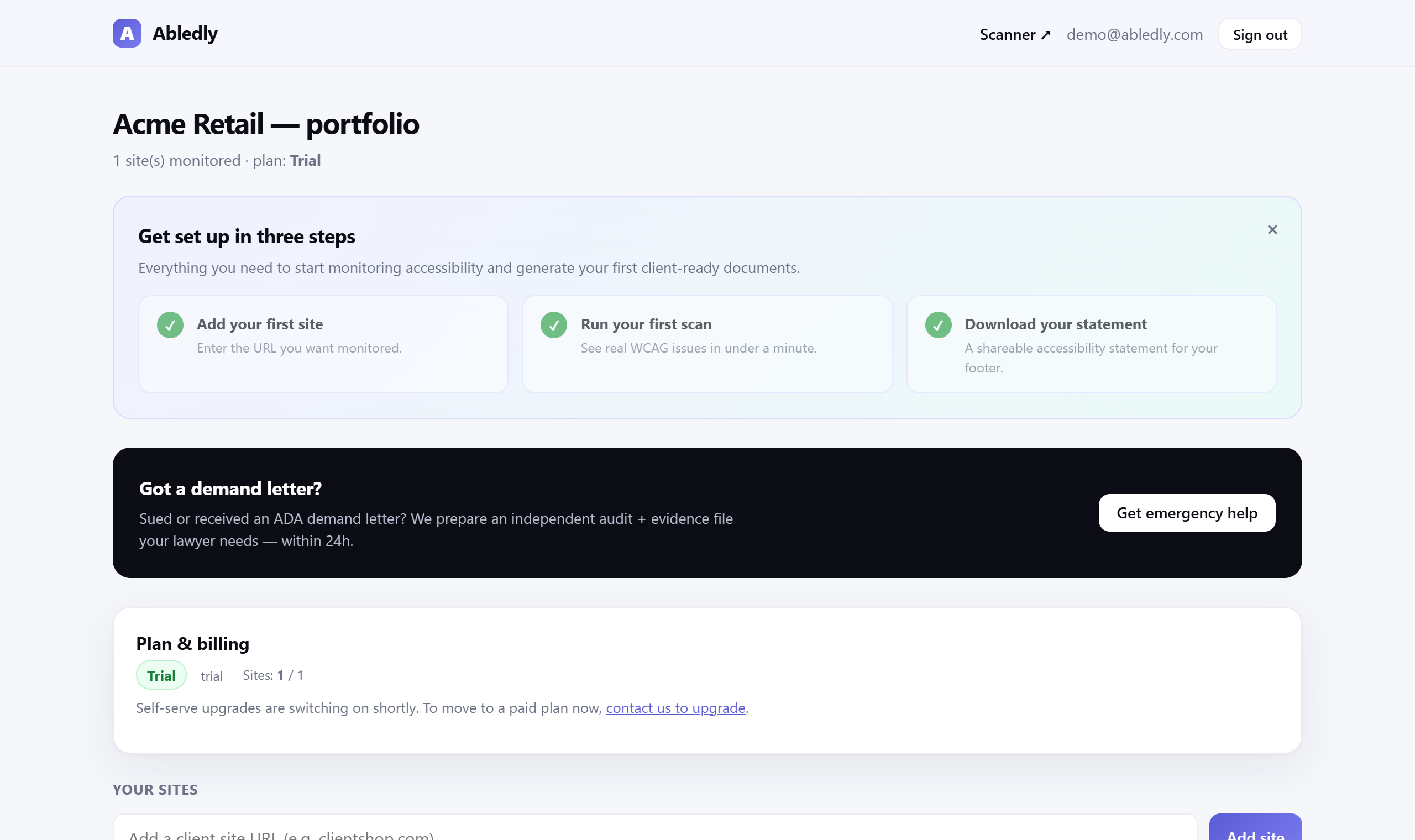
Your Abledly dashboard — the monitored store, its setup steps, and a shortcut to your accessibility statement, all in one place.
Three steps, no overlay script
- 1. Scan your storefront. Run the free check on any URL, or install the Shopify app and scan your live theme directly from your admin.
- 2. Review the real issues and fixes. See each violation with proof, severity and WCAG criterion, sorted into ready-to-apply, AI-draft-to-review, and manual-work tiers — not just a pass/fail score.
- 3. Apply the fixes and publish your statement. Ship the code changes in your theme yourself or with a developer, apply the reviewed alt text to your product images, and publish your accessibility statement. Then keep monitoring, since new theme edits, apps and products can reintroduce issues.
Frequently asked questions
How do I make my Shopify store ADA compliant?
Start with a real scan of your live storefront — product pages, collections, cart, blog and any custom sections — against WCAG 2.1 AA, the practical benchmark courts and DOJ guidance point to. Fix the violations it finds in your theme code, add real alt text to product images, make sure forms and menus are keyboard-operable, and publish an honest accessibility statement. There's no single certificate that makes a site "ADA compliant" — it's an ongoing process, not a one-time badge.
Is an accessibility overlay widget enough for my Shopify store?
Not reliably. Public reporting indicates roughly 1 in 4 sites hit with a 2025 ADA web suit already had an overlay widget installed, and the FTC fined overlay vendor accessiBe $1 million in January 2025 for deceptive compliance claims. An overlay script runs on top of your theme at runtime — it doesn't fix the underlying markup and isn't a substitute for real remediation.
Does Abledly fix my Shopify theme automatically?
No, and we wouldn't trust a tool that claimed to. Abledly scans your storefront, shows each violation with proof and its WCAG criterion, and drafts the fix — a ready-to-apply snippet for high-confidence issues, an AI draft to review for gray-zone ones, or a "needs manual work" flag for anything that genuinely requires a developer's judgment. You, or your developer, apply the change in your theme code; nothing ships automatically.
Does Shopify's own checkout need to be WCAG compliant too?
Shopify controls the code of its standard hosted checkout, so you can't personally rewrite that page's markup, though Shopify has made ongoing accessibility improvements to it. What you do control, and what most demand letters actually cite, is your theme: product and collection pages, cart, blog and custom sections, plus any checkout customizations available on Shopify Plus. That's what a scan needs to cover.
What does "Shopify WCAG compliance" actually mean?
It means your storefront meets WCAG 2.1 (and increasingly 2.2) Level AA success criteria — the technical standard courts, settlements and DOJ guidance treat as the practical baseline for ADA web claims. It covers alt text, color contrast, keyboard operability, form labels and heading structure. No automated scanner, including ours, can certify full legal compliance on its own — a clean scan clears the machine-detectable issues, and full conformance also needs manual review.
Is Abledly a Shopify app, or just a website tool?
Both. Abledly works as a free web-based scanner on any URL, and as an installable Shopify app that scans your live theme from your admin, drafts fixes, generates AI alt text for your catalog, and maintains your accessibility statement and VPAT. Billing for the Shopify app runs through Shopify's own billing system.
Scan your Shopify store — free
See your real WCAG gaps in under a minute — no overlay, no fake "100% compliant" badge. Install Abledly from the Shopify App Store, or run a free scan right now.
Scan your storefront free →